What the right app actually gives you
You are not shopping for a fashion education. You want a second opinion in the 30 to 60 seconds before you walk out the door, which rules out anything that treats a morning check like a wardrobe project. If you are looking for a rate my outfit app you can use on the way out, the criteria below matter more than the download count.
What to check | Why it decides whether you stay |
|---|---|
A score plus named dimensions | A bare "7/10" gives you nothing to change. Dimension scores for color, proportion, material, and occasion point at the weak link. |
Two or three specific fixes | You need a change you can make in a minute: swap a layer, adjust a hem, remove one accessory. |
No body measurements | If the setup asks for your height, weight, or a style-preference quiz before any feedback, it is not a pre-departure tool. |
Clear photo rules | A stated size limit and accepted file formats save you from a failed upload at 7:55 a.m. |
A sane idea of what it judges | The feedback should describe how your clothes work together, not grade your body. |
Run those checks before you sign up for anything. A tool that fails two of them will cost you more time than it saves.
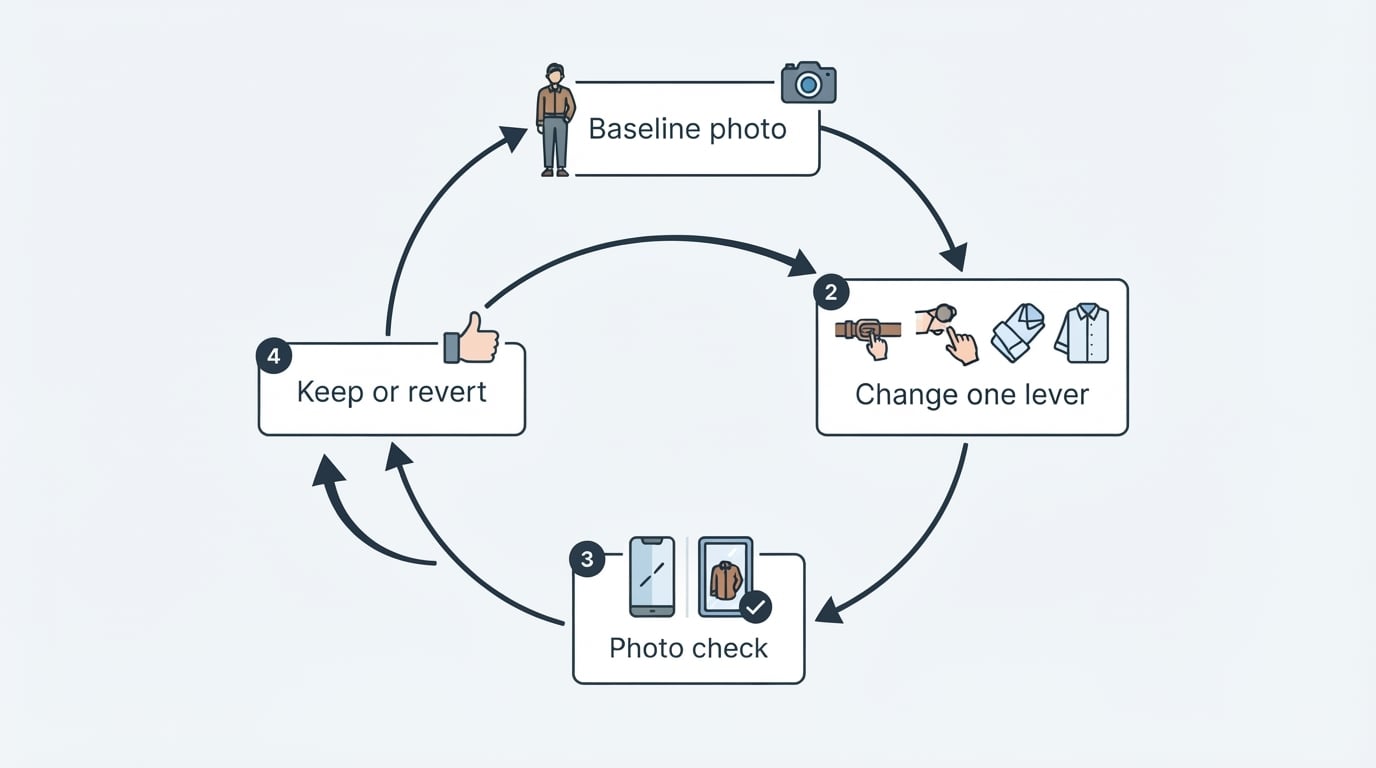
The 60-second check, step by step
The routine below gets you a usable answer without turning your morning into a photo shoot.
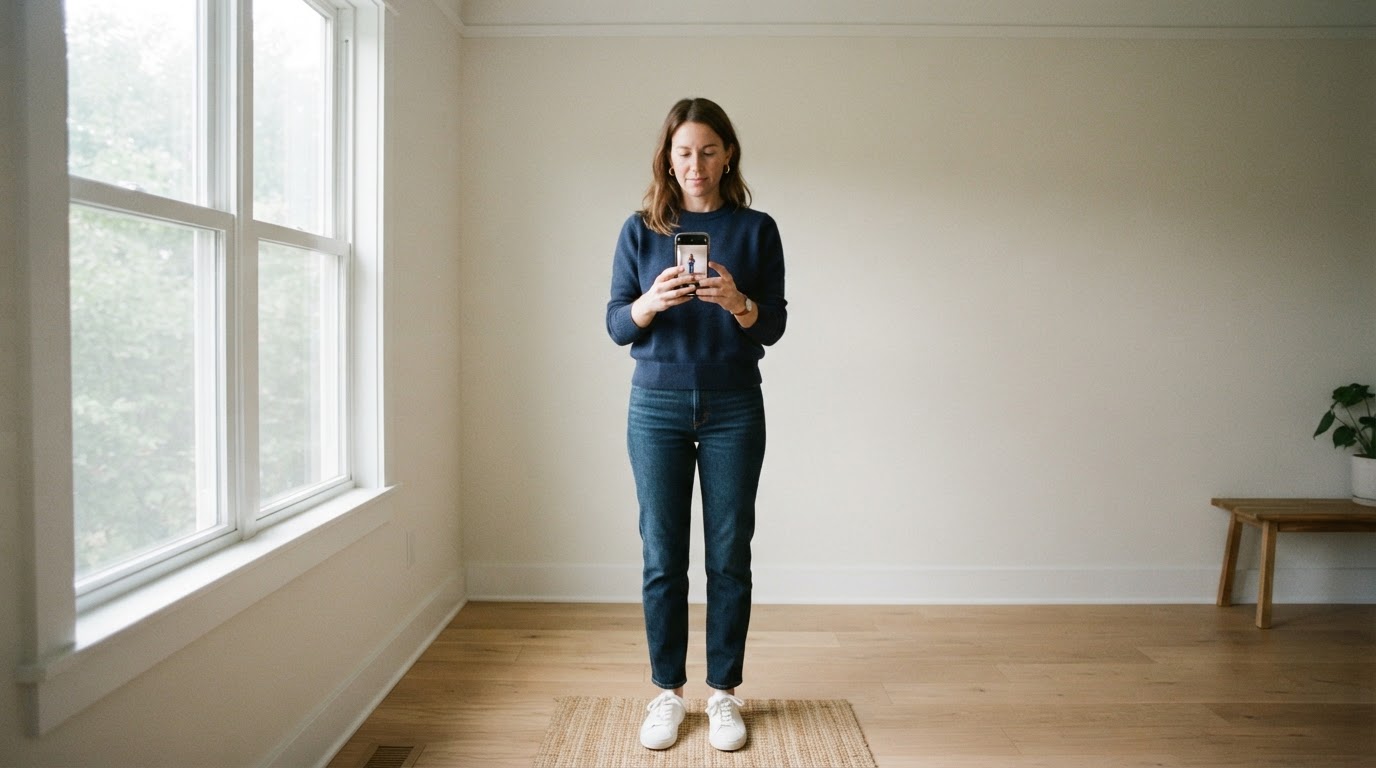
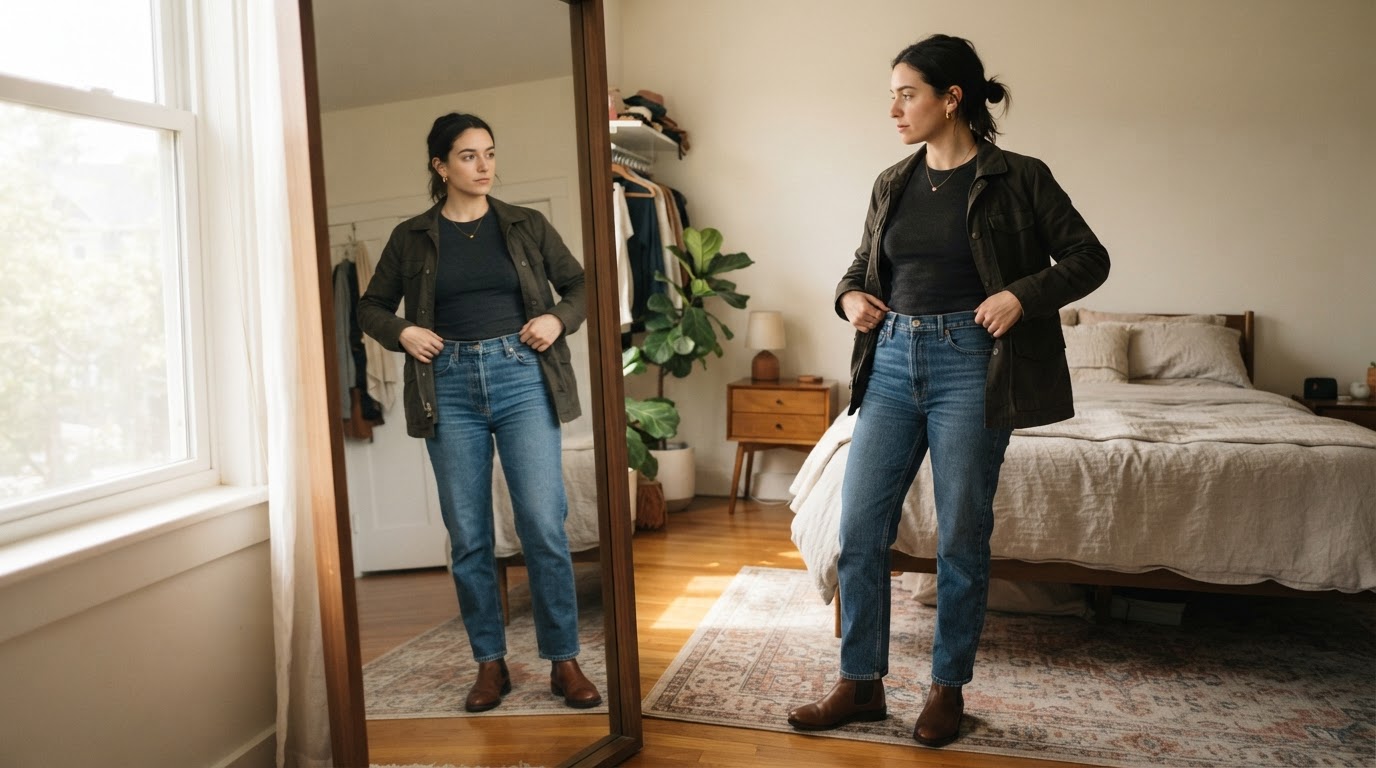
- Set up the shot. Stand in front of a full-length mirror and frame the entire outfit, shoes included. Keep the phone steady and use even light; a dim hallway will change what the checker sees.
- Add the photo within the tool's limits. Check the size cap and accepted formats first so you are not re-shooting at the door. Dress Better's Rate My Outfit tool, for example, accepts photos up to 10 MB in JPEG, PNG, WebP, HEIC, or HEIF.
- Read the breakdown before the total. The overall number is a summary. The dimension scores tell you what to fix, so start with the lowest one.
- Apply the two smallest fixes. Add the layer, change the shoes, or drop one accessory. Resist rebuilding the whole outfit; the point is to keep what already works.
- Re-run the check once. One more photo confirms the change helped. Stop there.
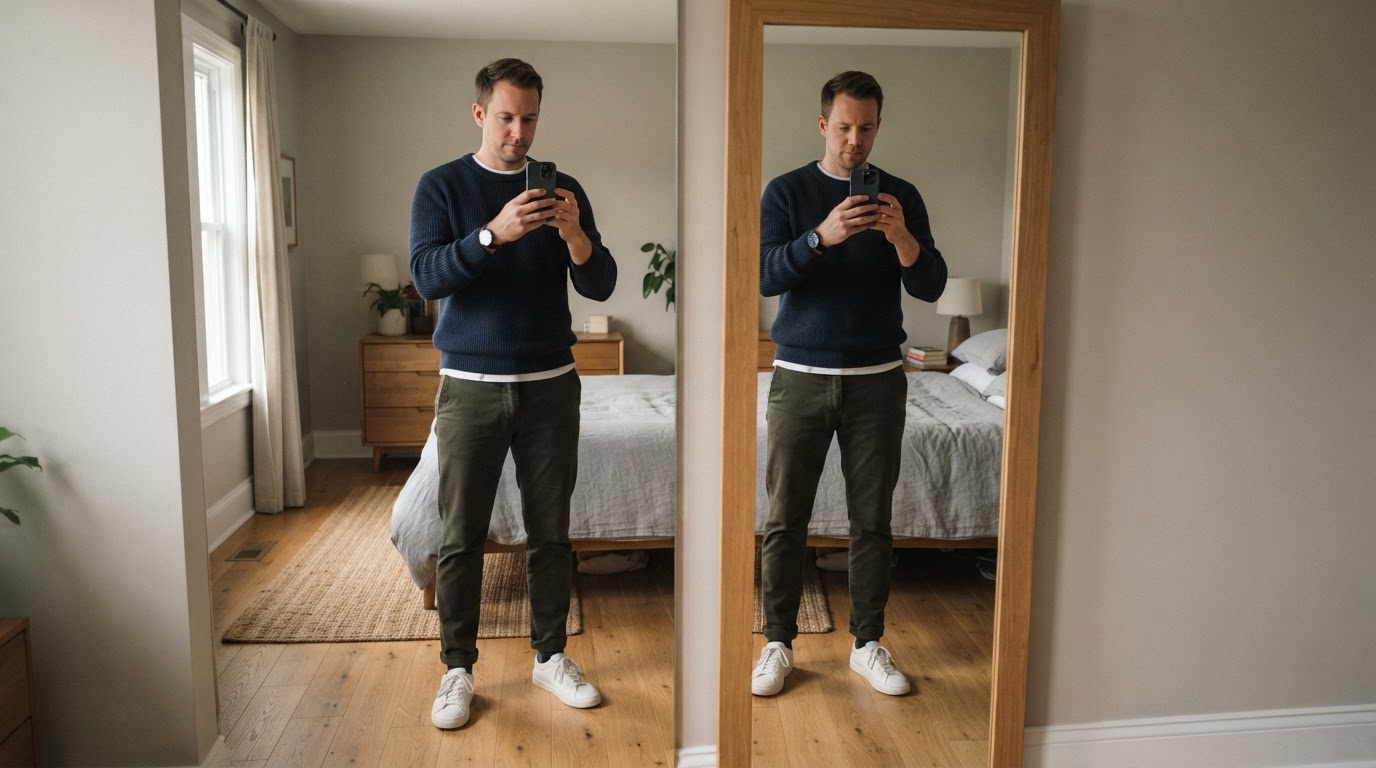
Checkpoint: you are finished when you can name the one dimension you improved and the single change that moved it. If you cannot, you probably changed too much.
The limit to accept going in: these scores are quick heuristics, not a tailor's measurements. Camera angle, lighting, and a tucked-in shirt can all shift the number by a point or two. The score is a prompt for a decision, not the decision itself.
How to read the score without overreacting
Treat the total as a direction, not a grade. A result might read 82 overall, with proportion 76, color 88, and polish 72 underneath. The useful part is not the 82; it is that proportion is the weakest link, and one adjustment there moves the whole look.
Two situations justify disagreeing with the number:
- The photo misrepresents the outfit. Bad light, an odd angle, or a jacket draped over a chair will confuse any checker. Re-shoot before you change your clothes.
- You made a deliberate choice. If a cropped trouser is the point of the look, a low proportion score is not a defect. Keep your intent and use the other dimensions.
The bigger risk is point-chasing. Optimizing every dimension tends to flatten an outfit into something generic. Fix the conflicts; leave the character.
Before you upload: four questions worth asking
- Does it judge the clothes or the body? A tool that reads the relationship between garments can tell you something useful. A tool that ranks your body cannot.
- Does it explain its score? A number with no dimension breakdown and no suggested fix is entertainment, not feedback.
- What does it want before it helps? A full wardrobe catalog or a long style questionnaire is a warning sign for a tool you plan to use 30 seconds before leaving.
- What happens to the photo? Check the size and format rules, whether an account is required, and whether the tool uses a free quota. Dress Better's photo tools, for instance, sit inside the site's normal sign-in and quota boundaries, and the rate tool is listed as free to use.
A worked example: Rate My Outfit from Dress Better
One tool that follows most of the checklist above is Rate My Outfit from Dress Better. It comes from the same family as the site's main outfit analyzer, but returns a tighter result: a 0–100 style score, dimension scores for proportion, color, occasion, and polish, a one-line read on the outfit, and the two smallest adjustments worth making — all without leaving the page where you added the photo.
The tool is listed as free to use within Dress Better's sign-in and quota limits, and it evaluates the clothes rather than the body: there is no height or weight input, and the analysis reads how garments relate to one another. Its photo rules are explicit — a full-length mirror shot with your shoes visible, up to 10 MB, in JPEG, PNG, WebP, HEIC, or HEIF. You can find it in Dress Better's tools directory, listed alongside the site's other checkers.
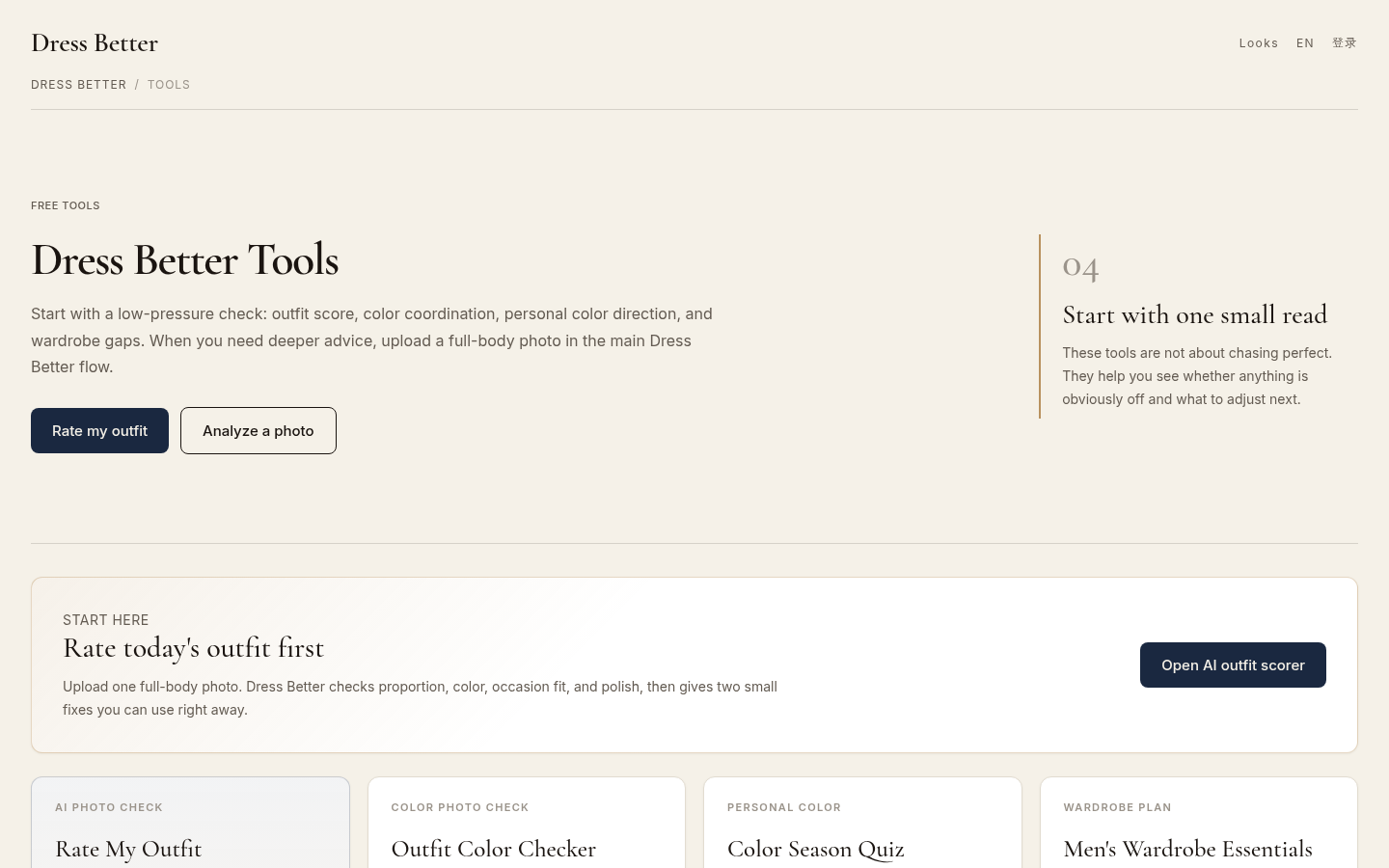
Tools directory page listing all 4 available tools: Rate My Outfit, Outfit Color Checker, Color Season Quiz, and Men's Wardrobe Essentials. Shows "Rate today's outfit first" sectio
Disclosure: this guide is published by the team behind Dress Better, and Rate My Outfit appears here as one criterion-matched example rather than the only option.
FAQ
Do I need to enter my height and weight?
No, at least not for a well-designed checker. Dress Better's Rate My Outfit evaluates garment relationships instead of body measurements, and that is the right default for this category: your height and weight do not tell the tool anything useful about whether the colors and proportions in a photo work together.
What photo works best?
A full-body mirror shot with your shoes visible, taken in even light. Keep the file within the tool's size cap and accepted formats — for Dress Better's rate tool, that means up to 10 MB and JPEG, PNG, WebP, HEIC, or HEIF.
What if I disagree with the score?
You are allowed to. Use the dimension breakdown to see what the checker reacted to, change what you agree with, and keep what you like. The score is a second opinion, not a ruling.
Is a rate-my-outfit app free?
It varies by tool. Dress Better's Rate My Outfit is listed as free to use within the site's normal sign-in and quota boundaries. Check the terms before you upload anything, especially if you plan to use the tool daily.
Can it tell me whether an outfit works for a specific occasion?
Partly. Occasion is one of the dimensions a good checker can score, but a short photo check cannot know the dress code nuance of every venue. Use the score as one input for interviews, weddings, and dates, and confirm the formality expectations separately.