What an outfit color checker actually does
A color checker looks at the relationship between the colors in a single outfit: how the pieces harmonize across the areas you are wearing, how light-to-dark contrast is structured, and whether your accents support the outfit or compete with it. The useful answer is narrow and concrete — here is what is working, here are the one or two things worth changing — instead of a lecture on color theory.
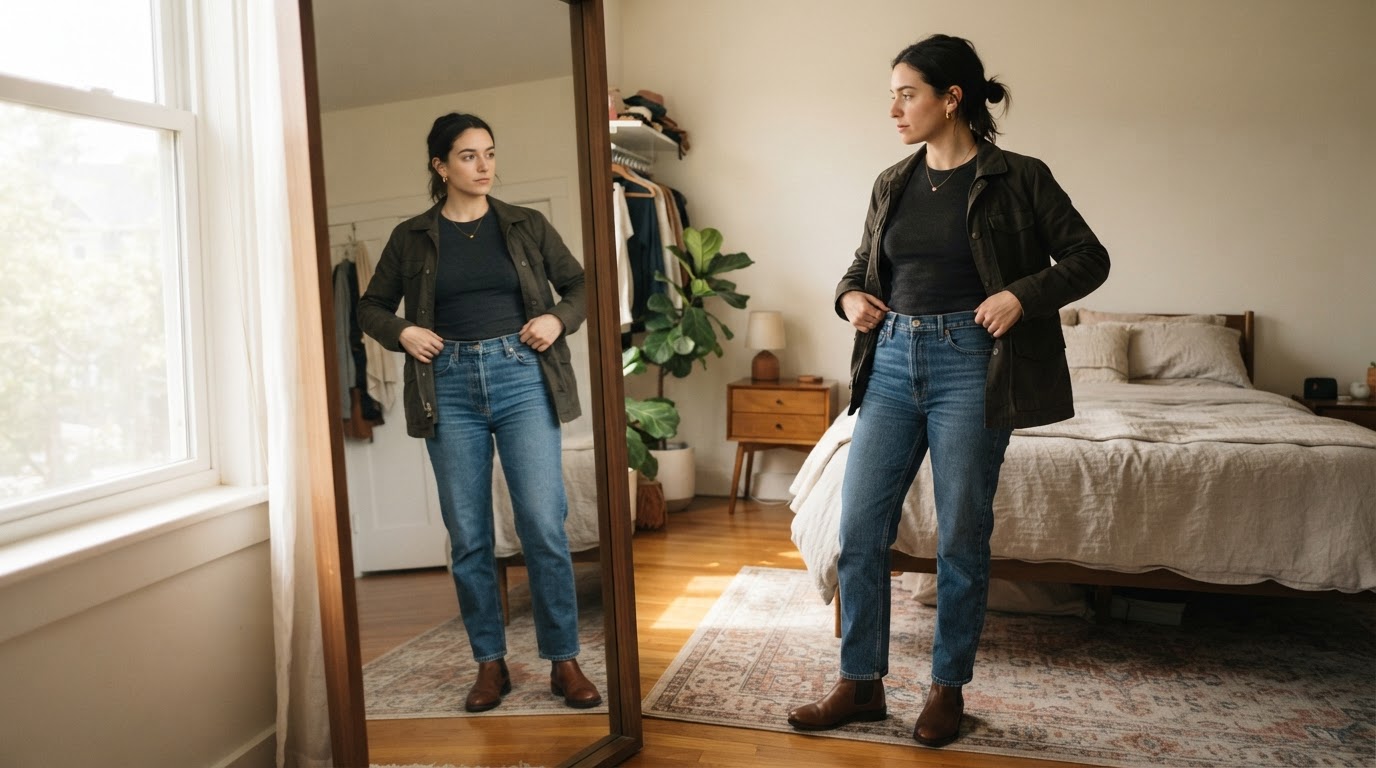
That difference matters when you are standing in front of a mirror. A color wheel tells you which hues relate to each other. It does not tell you what your olive jacket, gray trousers, and white sneakers are doing together in your hallway light. A photo-based check reads the outfit you actually have on and ranks the conflicts by how much they hurt the overall result. Dress Better's Outfit Color Checker, for example, is described as reusing the site's photo scoring pipeline with the color dimension moved to the front, returning a color coordination read alongside keep-or-reduce-noise suggestions rather than a single pass-or-fail number.
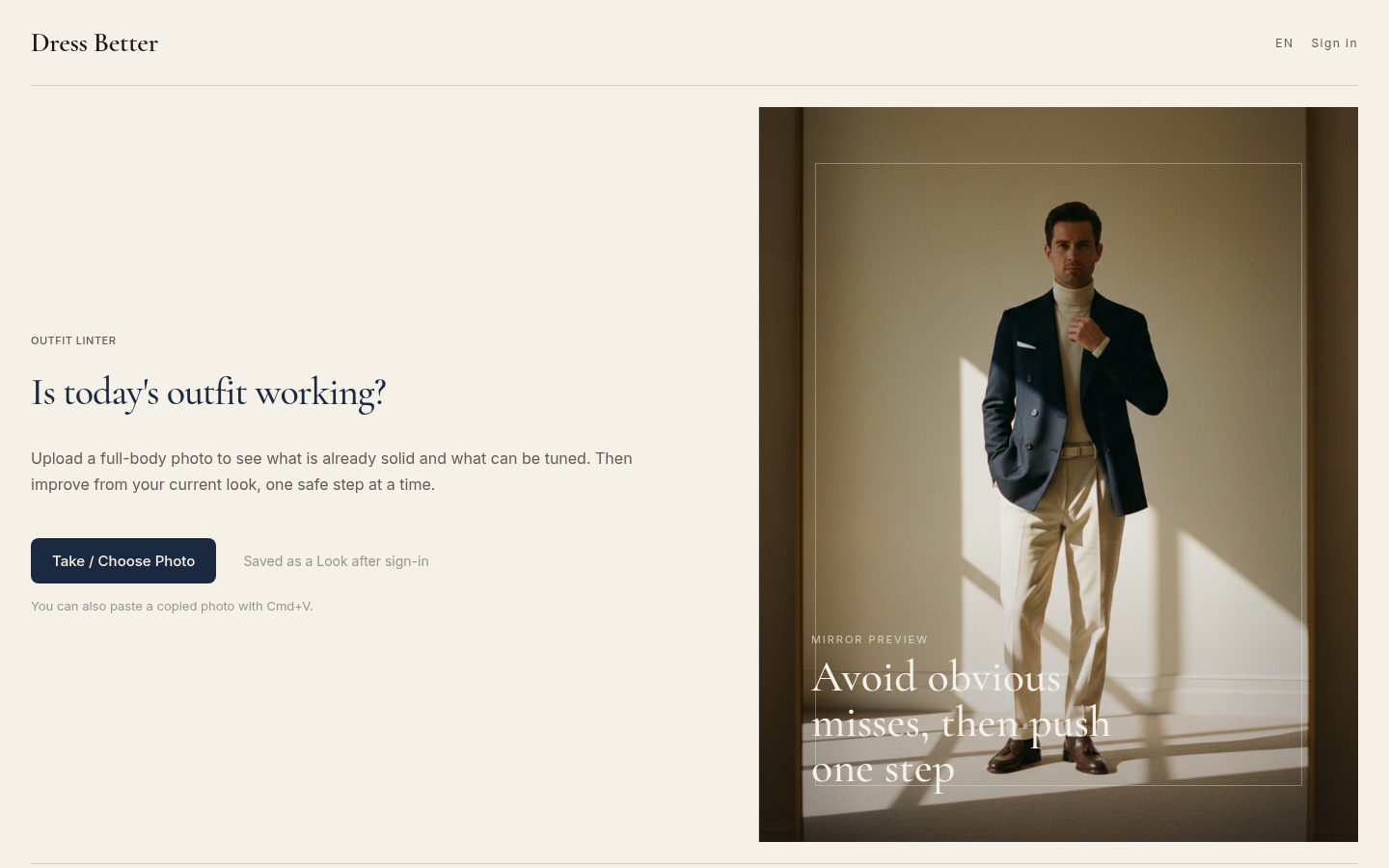
Desktop homepage first screen showing Outfit Linter eyebrow, "Is today's outfit working?" heading, Take/Choose Photo CTA button, and menswear editorial mirror preview image. Englis
Two things this category of tool generally is not: a body assessment, and a personal color-season analysis. A season test asks which palette suits your skin, hair, and eyes over the long run. An outfit color checker asks what is happening in your clothes right now, which is the question you actually have five minutes before leaving.
Why outfits clash, and why theory alone will not save you
Three failure modes cover most real clashes.
Mid-tone mush. Your base and supporting pieces sit at almost the same value — navy trousers with a slightly different navy sweater — and the outfit flattens into one mass with no structure. Nothing is "wrong" with either color; the relationship between them is simply too quiet.
Accent pile-up. Shoes, watch, belt, bag, scarf, and outer layer each add a small color statement. One of them reads as intentional; three read as noise. This is where most "something feels off today" mornings actually live.
A base that is not dominant. When the color covering the largest area of your body is not clearly the base, the eye has nowhere to land and the outfit reads as busy even though every piece is fine on its own.
A widely used convention for fixing all three is the roughly 60/30/10 split: about 60 percent of the visible area in a base color, around 30 percent in a supporting color, and 10 percent or less in accents. Treat it as a starting point rather than a law. Its value is that it forces you to rank your pieces instead of treating them as equals.
A color wheel cannot do that ranking for you, because it does not know how much of each color you are wearing, in what fabric, under what light. That is the argument for judging a photograph instead of a palette.
A 60-second color check you can run before you leave
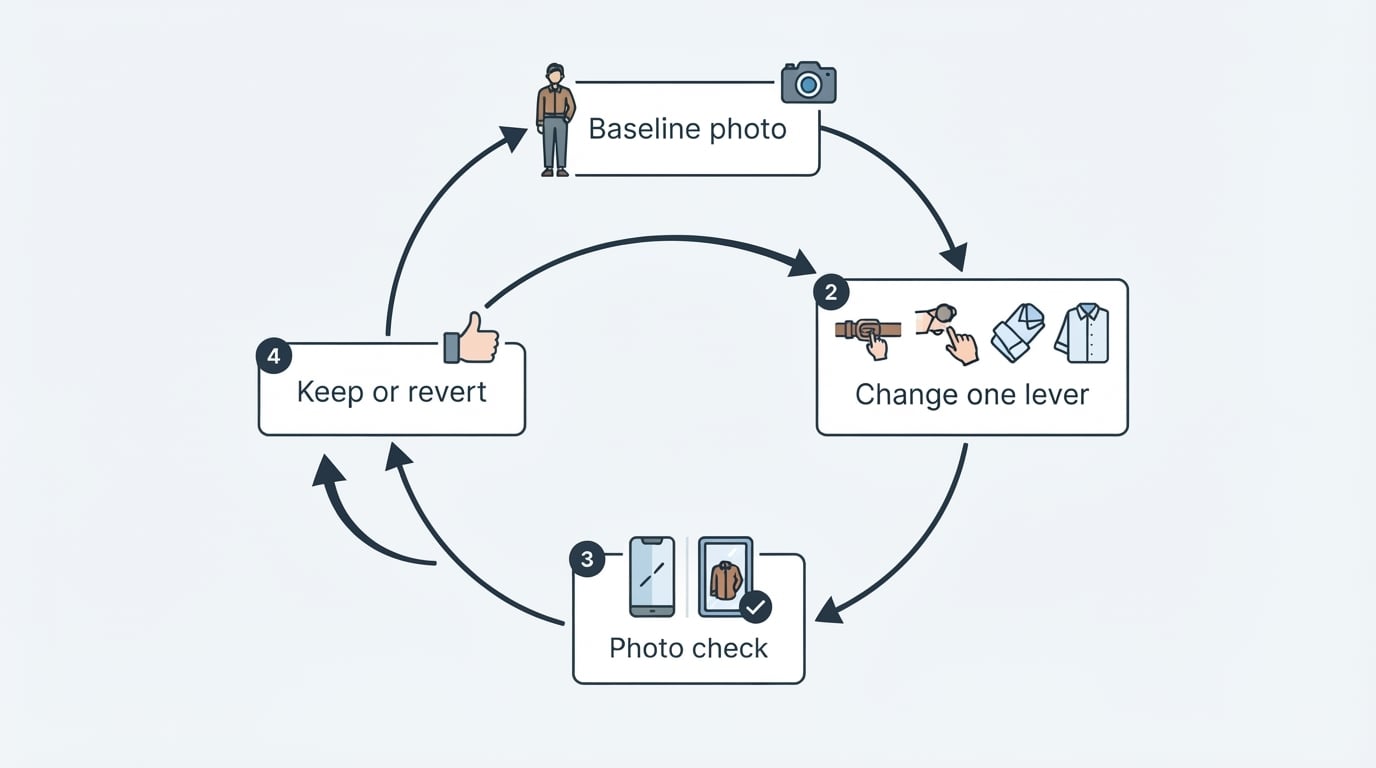
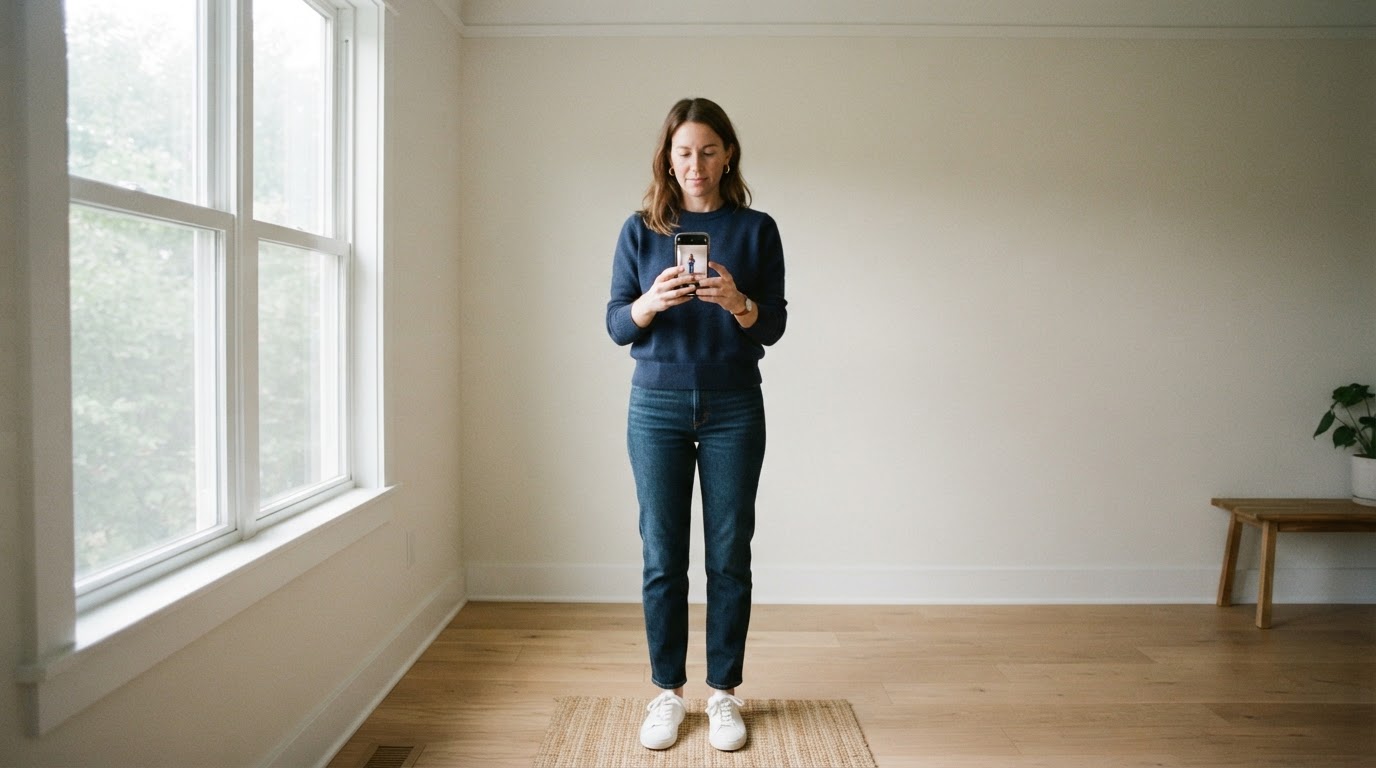
Prerequisites: a full-body photo with your shoes in frame, taken in even light, plus one honest minute. If you are checking from memory, you are guessing.
1. Name your three areas. Base is the largest visible area, usually your trousers or the layer covering your torso. Support is the second color. Accent is everything small and deliberate. If you cannot name them in that order, that is the finding.
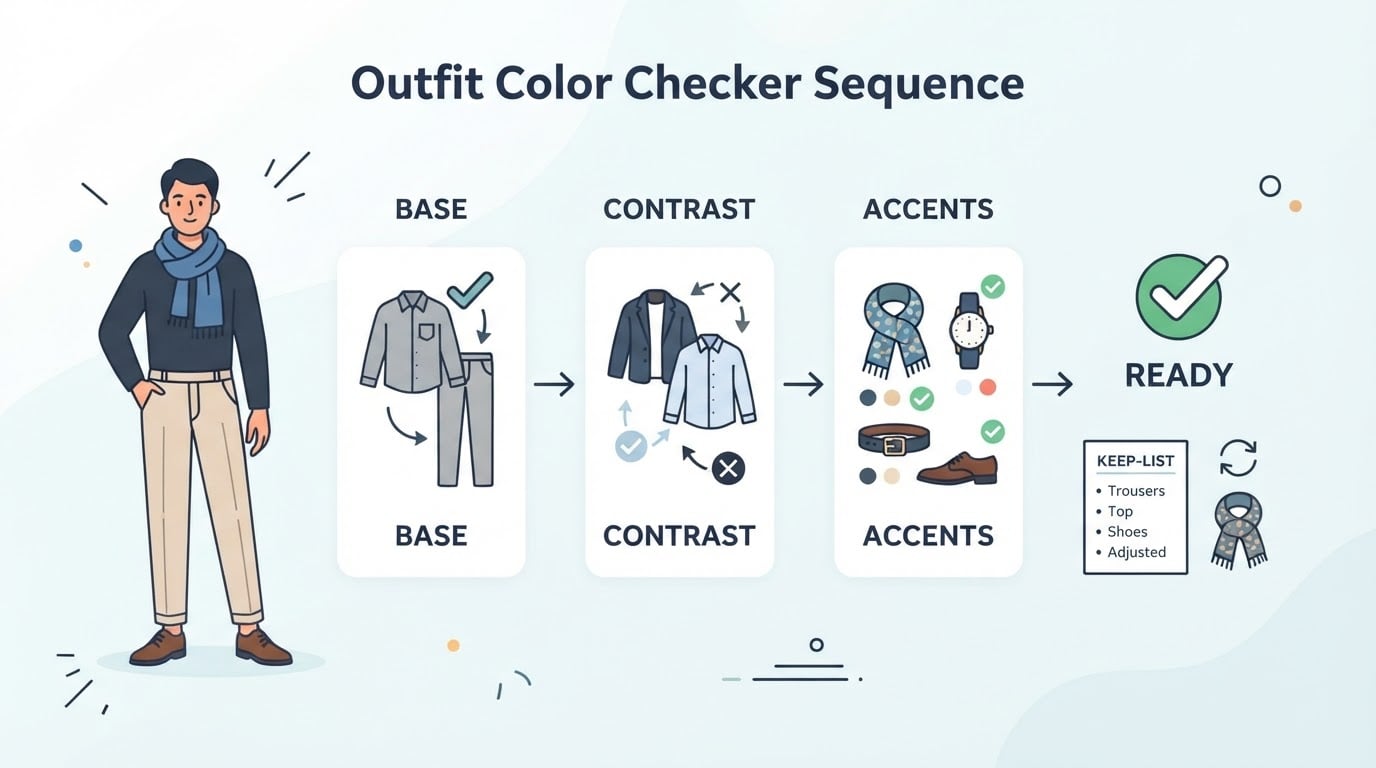
2. Squint at the photo. Squinting strips detail and leaves value. If the outfit collapses into a single gray shape, you have a contrast problem, usually a support color sitting too close to the base.
3. Count your accents. Shoes, belt, watch, bag, outer layer. More than one loud accent is the most common fixable problem, and it is usually solved by swapping one item rather than re-dressing from scratch.
4. Check the occasion before you check the palette. A combination that works for a Saturday brunch can be too relaxed for a wedding, and no amount of color harmony repairs that.
5. Get a second read from the photo, not from your eye. This is where a photo-based check earns its place: it sees the same pixels you do but without the familiarity bias that makes your own outfit look normal.
Expected output: a keep list and at most two changes. Completion standard: you can say what you are keeping and name the single item you are changing. If your fix list has five items, you are redesigning the outfit, not checking it.
One honest limitation: photos lie a little. Phone white balance, indoor tungsten light, and auto-exposure all shift color, so treat a photo check as a directional read and confirm anything marginal in daylight before you let it change your plans.
Photo check or text check?
Both have a job.
A text checker works from your description of the pieces and reasons about the combination. It is fast, needs no photo, and suits anyone who would rather not upload an image at all. If you choose one, prefer a tool that states its checking runs in your browser and that your input is not sent to a server. A text check is also the better tool when you are planning ahead: deciding which jacket to buy next, or writing down three options before a trip.
A photo check is better when fabric, lighting, and real proportions matter, because it sees the garment rather than your description of it. Some tools deliberately point at one another: Dress Better's free tool family includes both a photo-based color check and text-based quick checkers, so you can sanity-check the color count without a photo and then bring the real image in when a decision is close.
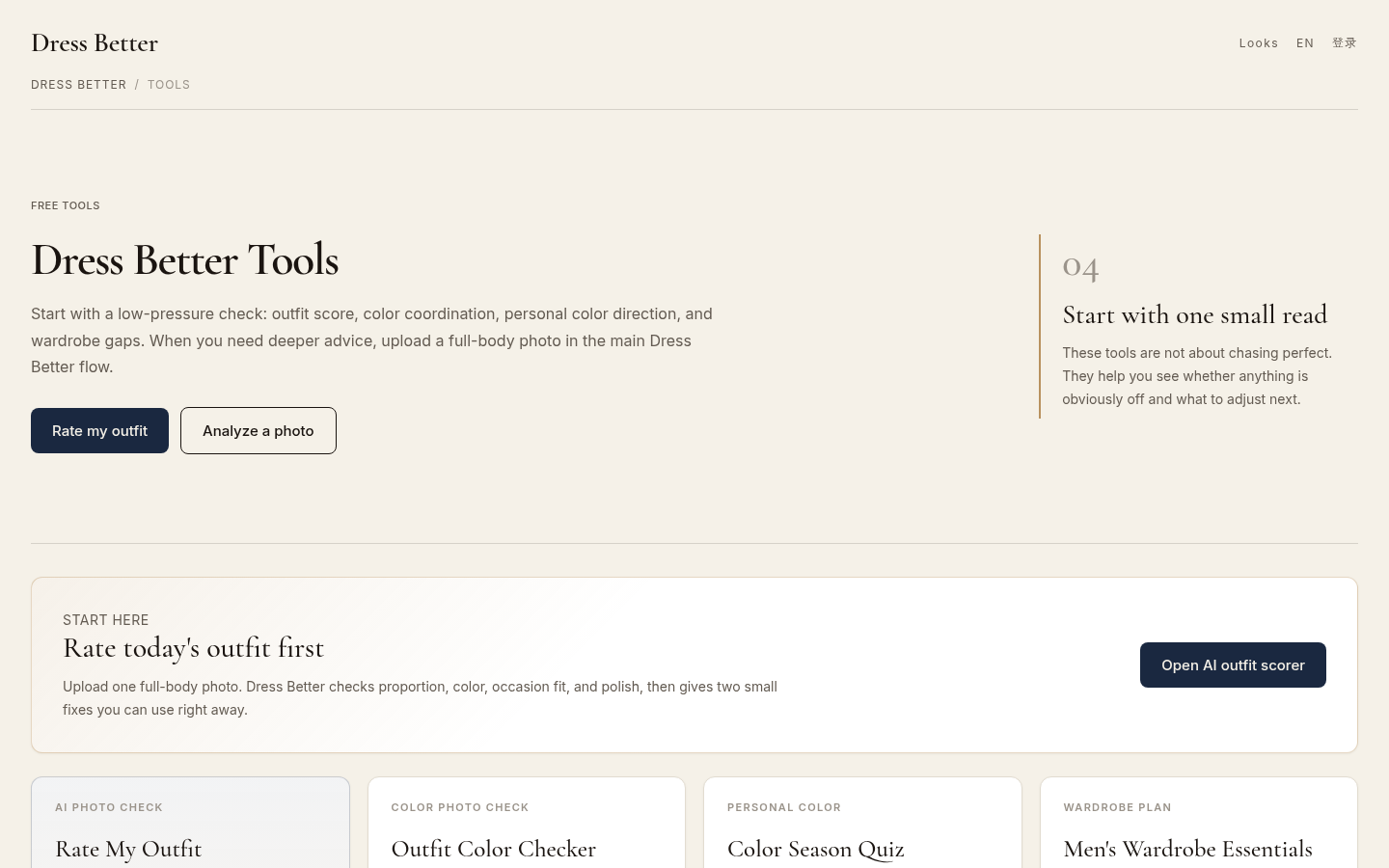
Tools directory page listing all 4 available tools: Rate My Outfit, Outfit Color Checker, Color Season Quiz, and Men's Wardrobe Essentials. Shows "Rate today's outfit first" sectio
Checking a new purchase against what you already own
The expensive color mistakes usually happen at the till, not in the mirror.
Photograph the new piece next to the base pieces you would genuinely wear it with — not against a blank wall. Then ask three questions. Does it introduce a fourth color, or slot into one of your existing areas? Does it demand a new accent to look right? Would you need to buy something else to make it work? Two "yes" answers usually mean the piece is a project rather than a purchase.
This is one of the cases a photo-based check handles well, because the comparison you care about is between garments you already own and the new one, and Dress Better's color check is built to read a photo of the outfit rather than an abstract palette.
Mistakes that make any color check useless
- Checking in the wrong light. Poor light makes real clashes invisible and invents fake ones. Work in daylight, or in the light you will actually be seen in.
- Treating every flag as mandatory. A checker ranks problems so you can fix the smallest number of the biggest ones. Changing five things usually makes the outfit worse.
- Fixing color while breaking everything else. A color change that damages proportion, materials, or occasion fit is a net loss. That is why a color read is most useful when it is paired with those dimensions — Dress Better keeps proportion, occasion, and polish information alongside the color result so you do not optimize one axis into a worse outfit.
- Chasing the score. A number is a summary. The keep list and the two fixes are the actual output.
FAQ
Can I check outfit colors without uploading a photo?
Yes. Text-based checkers work from your description of the pieces and run on rule-based logic, which makes them a reasonable choice when you would rather keep photos off a server. You trade some accuracy — no fabric, no real lighting — for speed and control.
Does an outfit color checker know which colors suit me personally?
No. It reads the colors in the outfit you showed it. Personal palette questions, such as which neutrals flatter your skin tone, belong to a color season test, which is a different tool answering a different question.
What does a good result look like?
A short verdict, a list of what to keep, and one or two specific changes. If a tool returns only a number with no fix, it has not told you enough to act on.
Is the photo check free?
Dress Better's Outfit Color Checker is listed as a free tool, with an upload limit of 10 MB and support for common phone formats including JPEG, PNG, WebP, and HEIC. A paid Pro upgrade appears at checkout, with pricing shown there.
How long should this take?
The point is 30 to 60 seconds before you leave. A check that turns into a styling session has already failed its purpose.
Before you leave
The routine that works is boring: take one photo, name your base, support, and accent, count the loud accents, and fix at most two things. Do it a few times and you will stop needing a tool for the obvious cases, which is the goal. For the mornings when your own eye has gone blind to the outfit, a photo-based color check is the fastest second opinion available — and Dress Better's free Outfit Color Checker is built for exactly that moment.