What happens when you ask AI to rate your outfit photo
An AI outfit rater returns two things from one photo: a score and short written feedback about what works and what to change.
Photo-based raters are built around visible styling signals. They read color harmony, proportion between garments, material contrast, and how the outfit fits the occasion, which is why they do not ask for your height, weight, or a style questionnaire. The input they need is the outfit itself.
The score is a summary, not the deliverable. The part that changes your morning is the specific fix: untuck the shirt, swap the shoes, drop one accessory, or break up two competing colors. A rating that only compliments you is a dead end; a rating that names one or two conflicts gives you something to act on.
There are three routes to a rating:
- A dedicated photo rater that applies the same rubric to every image.
- A general chatbot that looks at your photo and answers the question you write.
- A text-only checker that works from your description of the outfit, with no photo required.
The trade-offs between consistency, flexibility, and privacy are what make the choice matter.
Quick answers
- Can AI rate my outfit photo? Yes — a photo-based tool and a general chatbot can both respond to a full-body image.
- How long does it take? Thirty to sixty seconds in practice, and taking a usable photo is most of that time.
- Is it free? Free browser tools exist, but some require a sign-in and limit how many checks you get, so confirm the rules before uploading.
- Do I need an app? No. A browser tool works on your phone; an app mainly adds history and notifications.
- What photo should I use? A full-body mirror shot in even light, with your shoes visible and no filters.
- What is the useful output? One or two smallest fixes — not the number.
- Can I avoid uploading a photo? Yes. A text-only checker reasons from your description instead of the image.
- Does the AI judge me? It evaluates visible styling. It cannot feel the fabric, know the venue, or weigh how comfortable you are.
A 60-second workflow: photo in, two fixes out
Shoot one clean photo, run one check, apply the smallest fix it names, and stop.
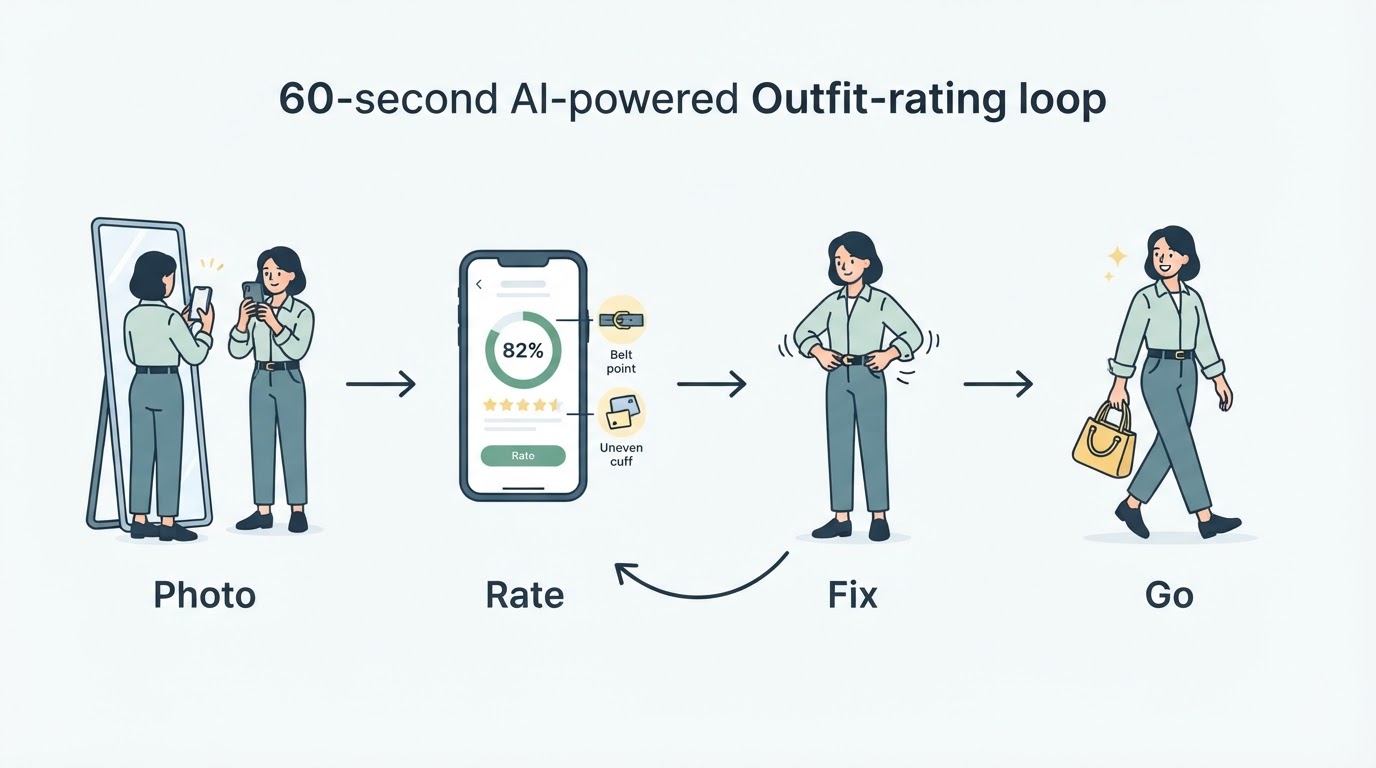
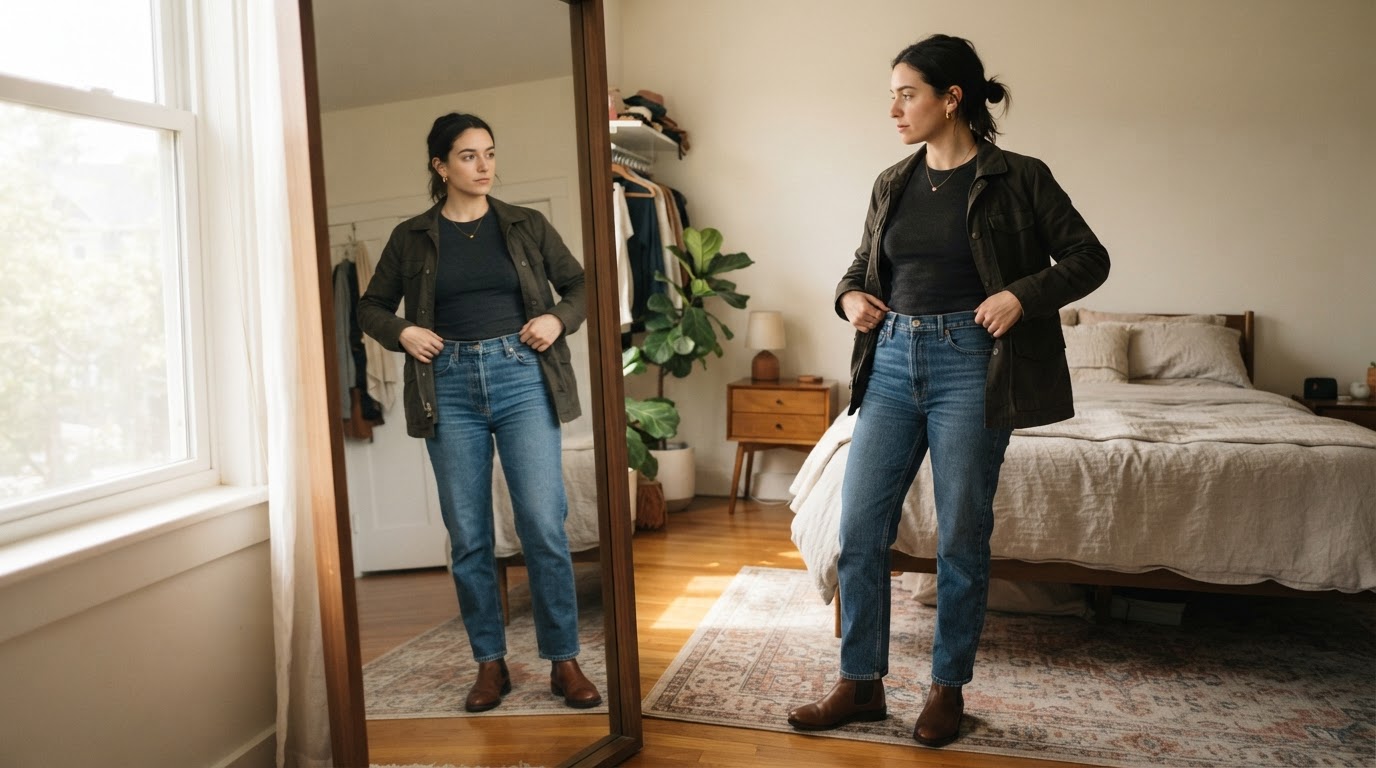
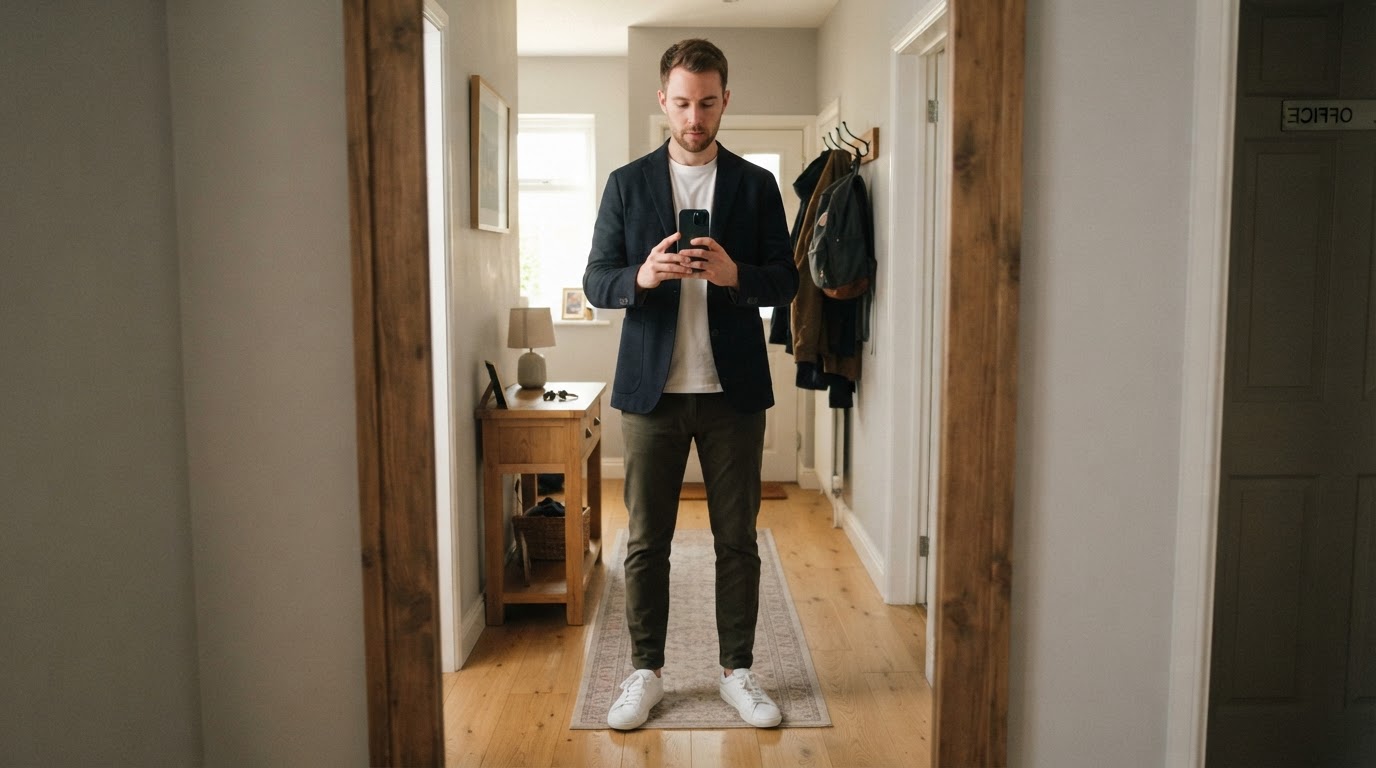
- Take the photo. Stand in front of a full-length mirror, hold the phone at chest height, keep your whole body and shoes in frame, and use daylight instead of a dim hallway. Skip the filters — they change the colors the AI is about to evaluate.
- Run one check. Use a photo rater once, or give a general chatbot a written rubric. Do not run three tools and try to average them.
- Read the feedback in a fixed order. Note what the rater says is working, then the conflicts it names, then pick the single smallest change.
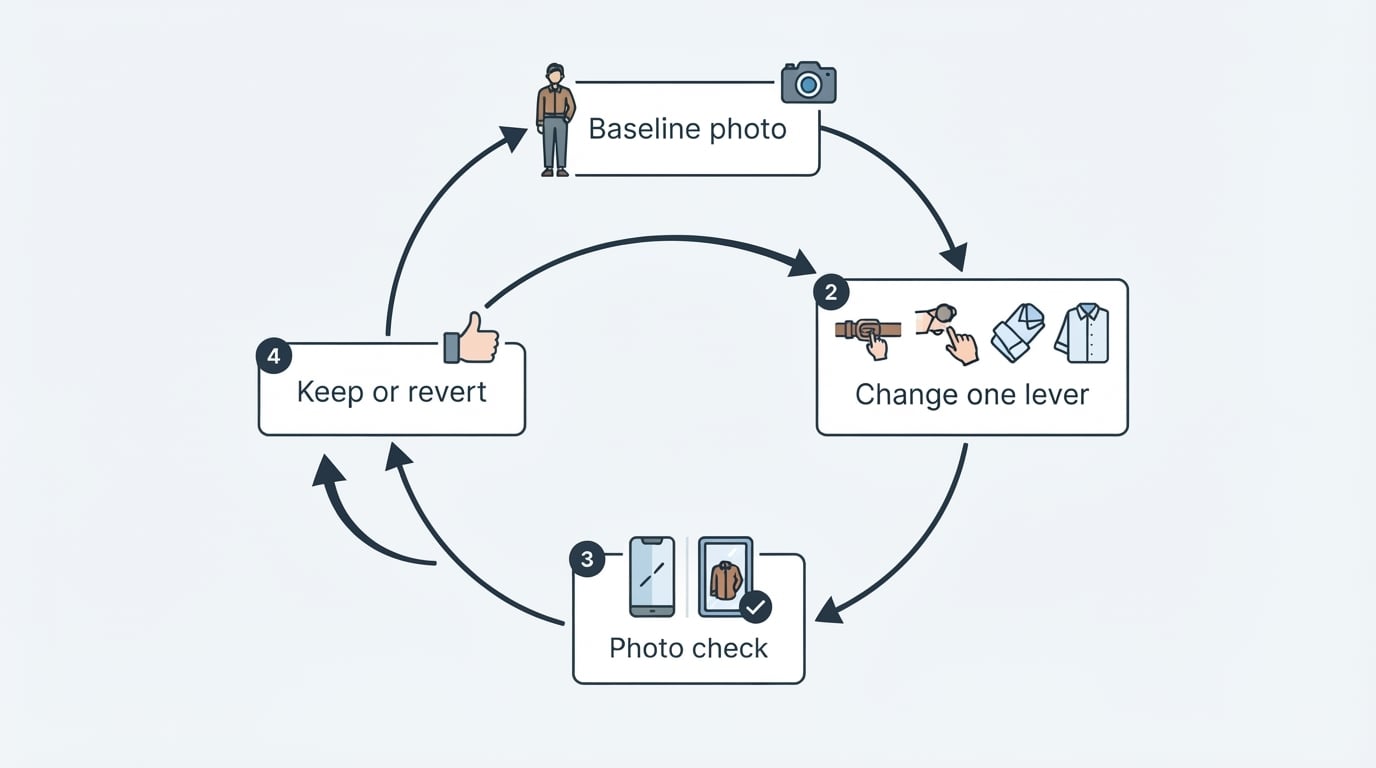
- Apply the smallest fix first. Tuck or untuck, change the belt, swap the shoes, roll the sleeves. One small change is easier to judge than a full re-dress.
- Re-check once, only if you are unsure. The second pass exists to confirm the flagged conflict is gone, not to chase a perfect score.
Completion standard: the outfit is ready when the flagged conflict is resolved and you would walk out the door in what you are wearing. If a second check still flags the same issue, change the fix rather than the whole outfit.
How to read the scores, and why the total is not the verdict
The total score tells you how the outfit reads at a glance; the dimension scores tell you what to change.
Most photo raters break an outfit into a few dimensions — commonly color, proportion, and occasion fit — and summarise them into one number. Read the dimensions first. A high total with one weak dimension is usually an easy fix, while a middle total with balanced dimensions is often fine as it is.
Four habits keep scores useful:
- Read the lowest dimension first. That is where the smallest fix usually lives.
- Compare only within one tool. Seven out of ten and 82 out of 100 are not the same measurement and never will be.
- Treat repetition as signal. If one dimension comes back low across a week of outfits, that is a wardrobe pattern, not a one-day problem.
- Discount scores with no action. A rating that cannot name a conflict has not told you anything you can use.
A concrete free example: Rate My Outfit by Dress Better
Rate My Outfit is a free photo-based rater from Dress Better that shows what a compact score sheet looks like in practice.
According to the tool's own page, you upload a full-body photo and get a 0–100 style score plus four dimension scores — proportion, color, occasion, and polish — along with a one-line read and the two smallest effective adjustments. An example panel shows a total of 82, with sub-scores of 76 for proportion, 88 for color, and 72 for polish. It rates the clothes rather than the body: there is no height or weight input, and the analysis reads the relationships between the pieces you are wearing.
The practical details matter before you shoot. The upload limit is 10MB, JPEG, PNG, WebP, HEIC, and HEIF are supported, and the page recommends a full-length mirror photo with your shoes visible. The tool is free to use, although it follows Dress Better's login and quota boundaries, so expect an account step. It sits on the site's tools page alongside a few other free checkers.
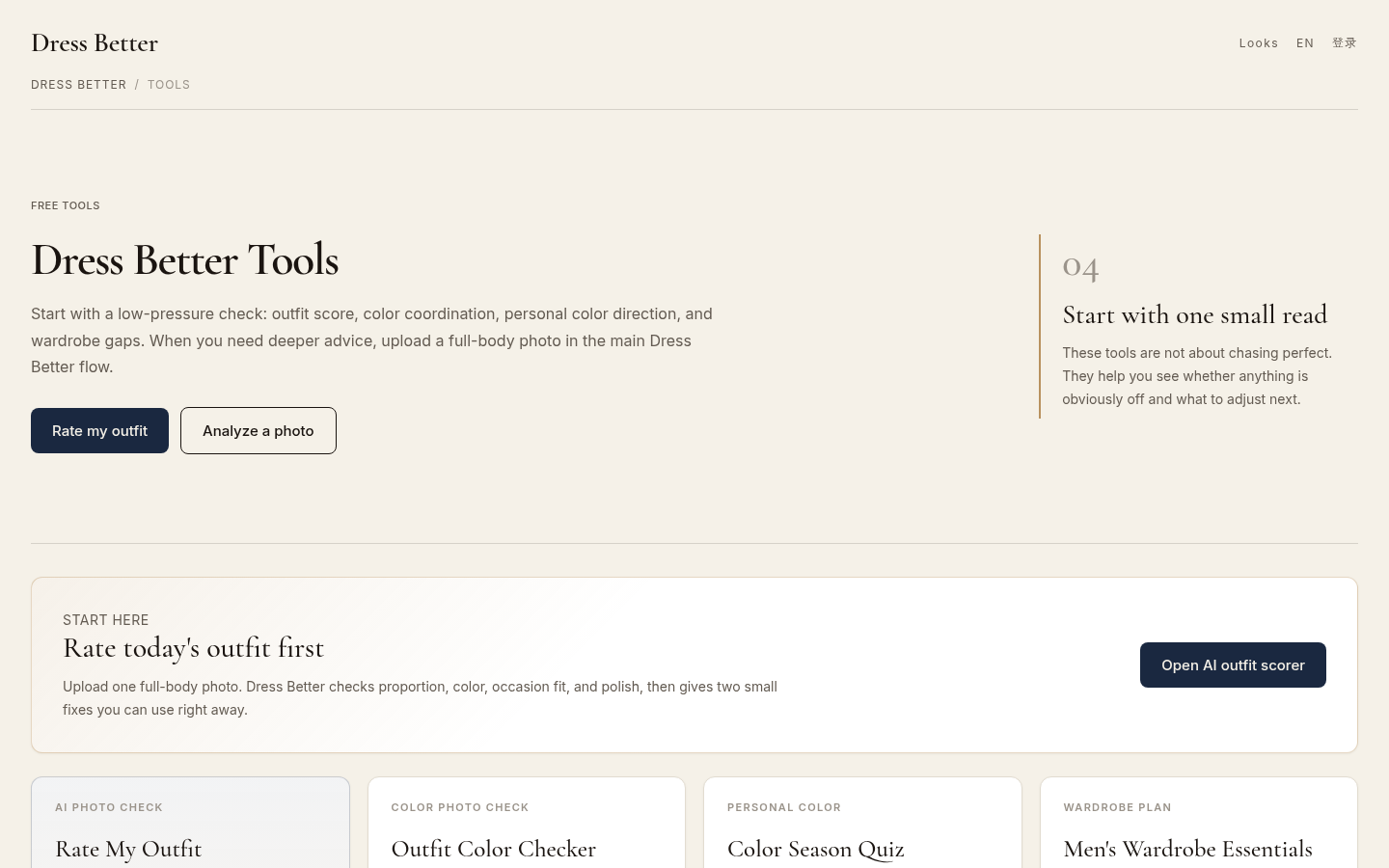
Tools directory page listing all 4 available tools: Rate My Outfit, Outfit Color Checker, Color Season Quiz, and Men's Wardrobe Essentials. Shows "Rate today's outfit first" sectio
ChatGPT, apps, and browser tools: which route fits
A general chatbot works when you want a conversation; a dedicated rater works when you want a consistent score.
If you ask ChatGPT or another general assistant to rate an outfit, you are writing the rubric yourself, so write one that forces specifics:
Rate this outfit for occasion. Score color harmony, proportion, and occasion fit out of 10. Then list what to keep, the two smallest changes to make, and the single change to do first. Skip general compliments.
That structure does two things: it stops the answer from drifting into flattery, and it produces a checklist you can act on in the hallway.
Browser tools win on speed. They are already pointed at the scoring task, they usually return a score and a few fixes in one pass, and you can bookmark one on your phone instead of installing an app. Apps make sense mainly if you want saved history or notifications.
Text-only checkers are the privacy-friendly option when you would rather not upload an image. They cannot see fabric or lighting, so use them for decisions a description can carry: how many colors you are wearing, whether the formality levels match, and whether the outfit suits the occasion.
What AI ratings cannot judge
An AI outfit rating is a second opinion on visible styling, not a verdict on you.
It cannot feel how the fabric drapes in person, know whether the venue is formal enough for your choice, or account for the weather and how long you will be on your feet. It also cannot see how you move in the clothes, which is why the score belongs at the start of your decision, not the end.
Two cautions are worth keeping:
- Flattery is a failure mode. A rater that only praises you has given you nothing to fix. If an answer contains no conflict, ask again for the two smallest adjustments.
- Photo handling varies by tool. Some tools process the image on their servers, while browser-only checkers work from a description instead. Check what happens to your photo before you upload, especially if you are privacy-sensitive.
Do not upload a photo you would not want stored somewhere, and prefer tools that state their scoring scale and photo policy in plain language.
FAQ: follow-up questions about AI outfit ratings
Is there a free AI outfit rating I can use online? Yes — free browser-based raters exist. Check the score scale and whether an account or quota applies before uploading, because "free" often means free up to a limited number of checks.
Can I just ask ChatGPT to rate my outfit? You can, and it works best when you supply the rubric. Ask for scores on specific dimensions plus the two smallest changes, and expect the wording to vary between runs because a chatbot is not applying a fixed scoring sheet.
Do I need a dedicated app? No. A mobile browser tool does the job, and an app only adds history, reminders, or offline access.
Should I post to Reddit for feedback instead? Outfit-feedback threads give you human opinions, but they do not apply a consistent rubric. Use an AI rating for the fast pre-departure check, and treat community replies as a separate source of ideas rather than a score.
What photo gives the best rating? A full-body mirror shot in daylight with your shoes visible and no filters. The rating can only work with what the camera shows.
Is the score accurate? It is consistent about visible traits such as color harmony and proportion, and it is weak on anything it cannot see: fabric feel, comfort, venue norms, and your personal goals. Use it to catch conflicts, not to grade yourself.